Validate 3D Print Files Before You Hit Start
Upload STL, OBJ, or 3MF files to detect issues that cause print failures. Check wall thickness, manifold integrity, and orientation — all in your browser.
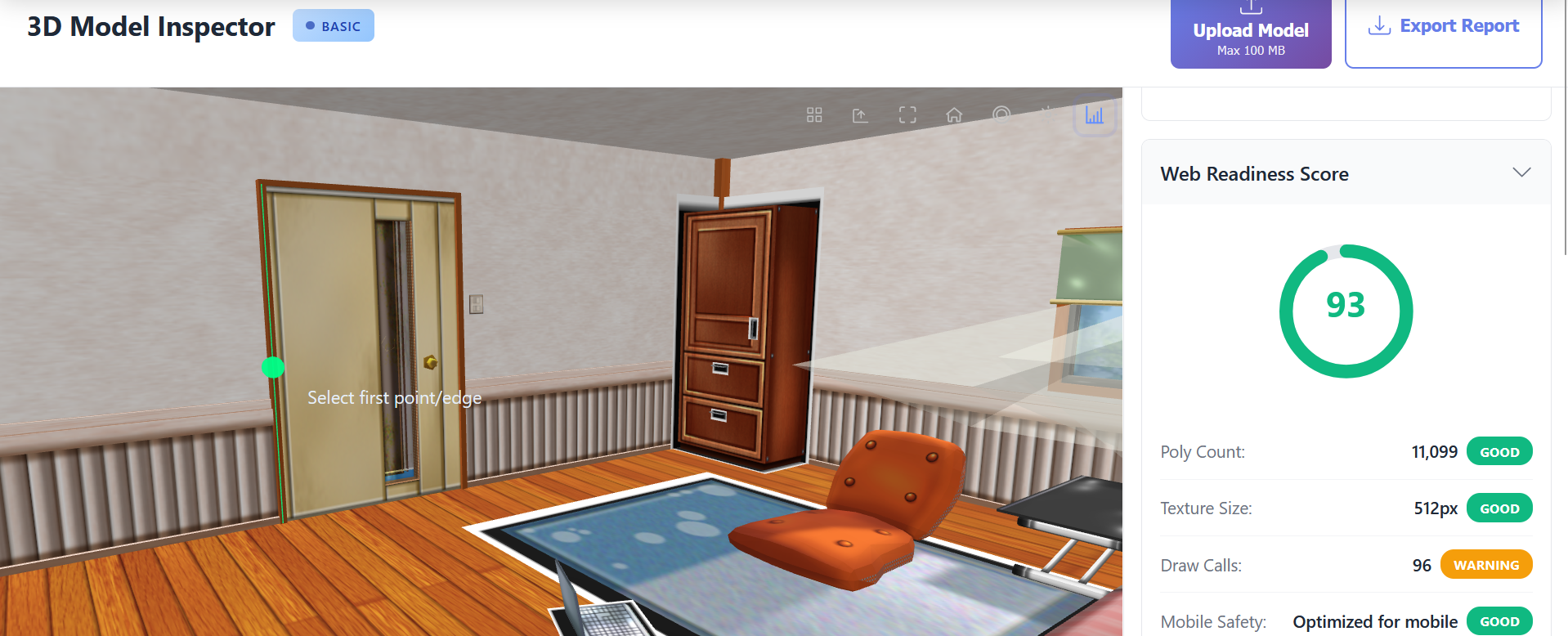
- 🖨️ FDM and resin printer support
- 📏 Wall thickness analysis
- 🔧 Non-manifold edge detection
- 📊 Printability score and recommendations
Stop Wasting Filament and Resin
Catch geometry issues before they cause failed prints and wasted materials.
Save hours of troubleshooting by validating files upfront.
Reduce material costs and machine wear from failed prints.
Ensure files are slicer-ready with proper manifold geometry.
Powerful Features
Printability Scoring
Get a 0-100 printability score that evaluates manifold integrity, wall thickness, overhangs, and surface quality. Recommendations tailored for FDM, SLA, and SLS workflows.
Wall Thickness Analysis
Identify thin walls that may fail during printing. Set custom thickness thresholds based on your printer and material specifications.
Manifold Validation
Detect non-manifold edges, holes, and inverted normals that cause slicing errors. Visual overlays show exact problem locations.
Material Estimation
Calculate volume and estimated material usage in grams or milliliters. Support for common filament and resin densities.
How It Works
Upload Your Print File
Drag and drop STL, OBJ, or 3MF files. Processing happens locally in your browser.
Review Printability Report
Check the printability score, wall thickness analysis, and manifold validation results.
Fix and Revalidate
Make repairs in your modeling software and recheck until the file passes all validations.
Perfect For
Professional 3D Print File Validation
Failed prints waste time, material, and money. The 3D Print File Checker validates your STL, OBJ, and 3MF files before you send them to the slicer, catching issues that cause failures.
Comprehensive Geometry Checks
The checker analyzes manifold integrity, wall thickness, overhang angles, and surface normals. Each issue is highlighted on the model with clear remediation guidance.
Works with Any Printer
Whether you use a Prusa, Creality, Formlabs, or industrial printer, the validation applies. Adjust thickness thresholds to match your specific printer capabilities.
Frequently Asked Questions
What file formats are supported?
STL (ASCII and binary), OBJ, and 3MF files are fully supported. GLTF and GLB files can also be checked for printability.
Does this work for resin printers?
Yes! The checker validates geometry for both FDM and resin (SLA/DLP) printers with appropriate threshold settings.
Can it repair my files?
The tool focuses on detection and reporting. Use Meshmixer, Netfabb, or your CAD software for repairs, then revalidate here.
Ready to Inspect Your 3D Model?
Start analyzing your models for free. No sign-up required.