Convert OBJ to GLB in Seconds
Upload OBJ files with MTL materials and textures. Get optimized GLB output ready for web, AR, and game engines — all processed locally in your browser.
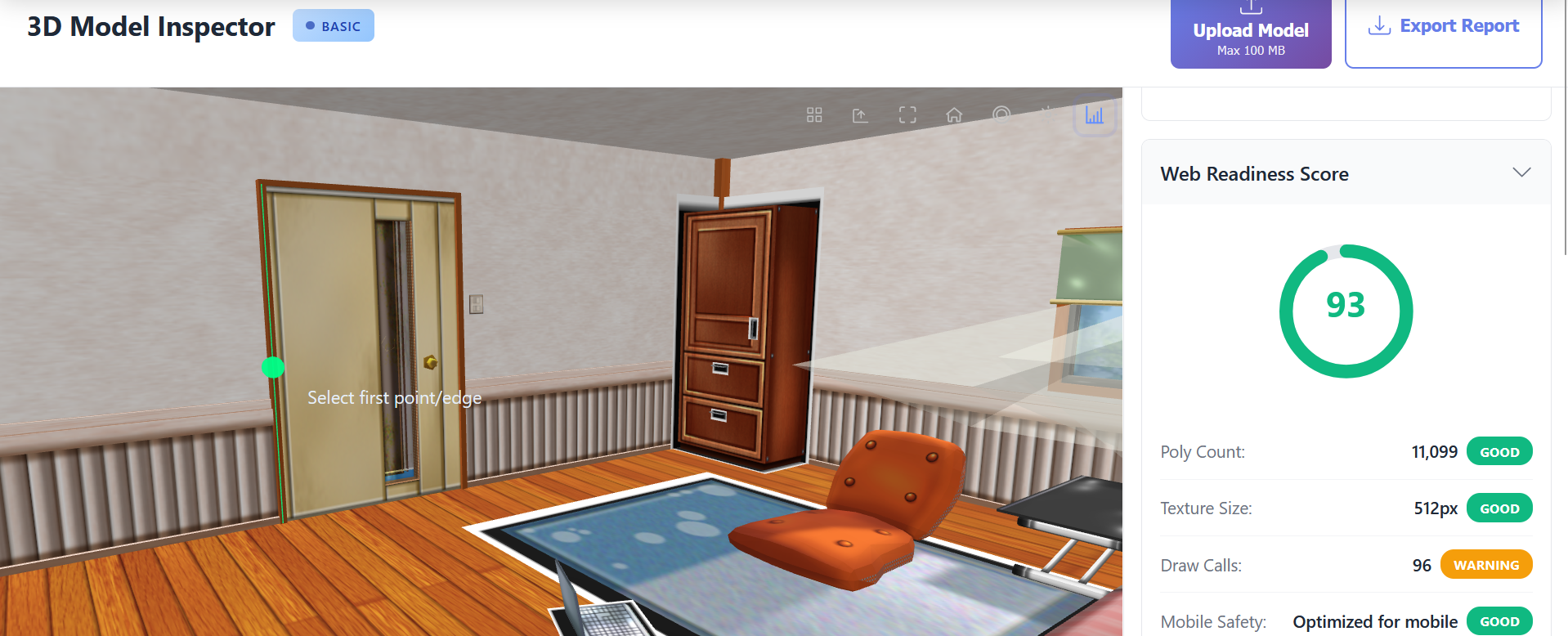
- 📦 Preserves materials and textures
- 🔒 100% client-side privacy
- ⚡ Instant conversion
- 🌐 Web-optimized GLB output
Why Convert OBJ to GLB?
GLB is the standard for web 3D, AR experiences, and game engines.
Single-file format loads faster than OBJ with separate textures.
Better mobile and VR headset compatibility than legacy OBJ.
PBR materials and textures embedded in one file.
Powerful Features
Material Preservation
MTL files and texture references are automatically converted to PBR materials in the GLB output. Colors, roughness, and metalness are mapped accurately.
Texture Embedding
All referenced textures (diffuse, normal, roughness) are embedded in the GLB file. No more managing separate texture folders.
Client-Side Processing
Your OBJ files never leave your device. Conversion happens entirely in the browser using WebGL for complete intellectual property protection.
Optimized Output
GLB files are automatically optimized with efficient binary packing. Optional texture compression reduces file size while maintaining quality.
How It Works
Upload OBJ + MTL + Textures
Drag and drop your OBJ file along with its MTL and texture files, or upload a ZIP archive.
Preview and Edit
Review the model in the 3D viewer. Optionally adjust materials using the built-in editor.
Export GLB
Click Export to download your optimized GLB file with all materials and textures embedded.
Perfect For
The Fastest Way to Convert OBJ to GLB
OBJ files with their separate MTL and texture files are cumbersome for web delivery. Our browser-based converter packages everything into a single GLB file optimized for WebGL, AR experiences, and game engines.
Complete Privacy
Unlike cloud converters that upload your files, our converter processes everything locally in your browser. Your proprietary 3D assets never leave your device.
Perfect for Web 3D
GLB files work seamlessly with Three.js, Babylon.js, model-viewer, and all major WebGL frameworks. Use them in e-commerce viewers, product configurators, and interactive experiences.
Frequently Asked Questions
Will my textures be included in the GLB?
Yes! All referenced textures from the MTL file are embedded in the GLB output. Just make sure to include texture files when uploading.
What about materials without textures?
Solid colors and material properties from MTL files are converted to PBR materials. You can adjust them in the material editor before export.
Is there a file size limit?
Free accounts support up to 50MB. Basic accounts support 100MB, and Pro accounts support 200MB.
Ready to Inspect Your 3D Model?
Start analyzing your models for free. No sign-up required.